BbY WOW Guy AI: Dance Template Guide
Last updated Oct 21, 2026
Looking for the party video where a dancer walks toward the camera, pauses close up, and turns to keep dancing? Quince Classic is our template for that kind of Dime Dime Baby party remix. It replaces the lead character while keeping the reference party setting and the surrounding people.
Check the result before you generate
The example below uses a fictional adult created for this project. The photo and output belong to the same generation. The accepted video was trimmed to a natural ending at nine seconds; it is not a guarantee that every photo will produce the same result.
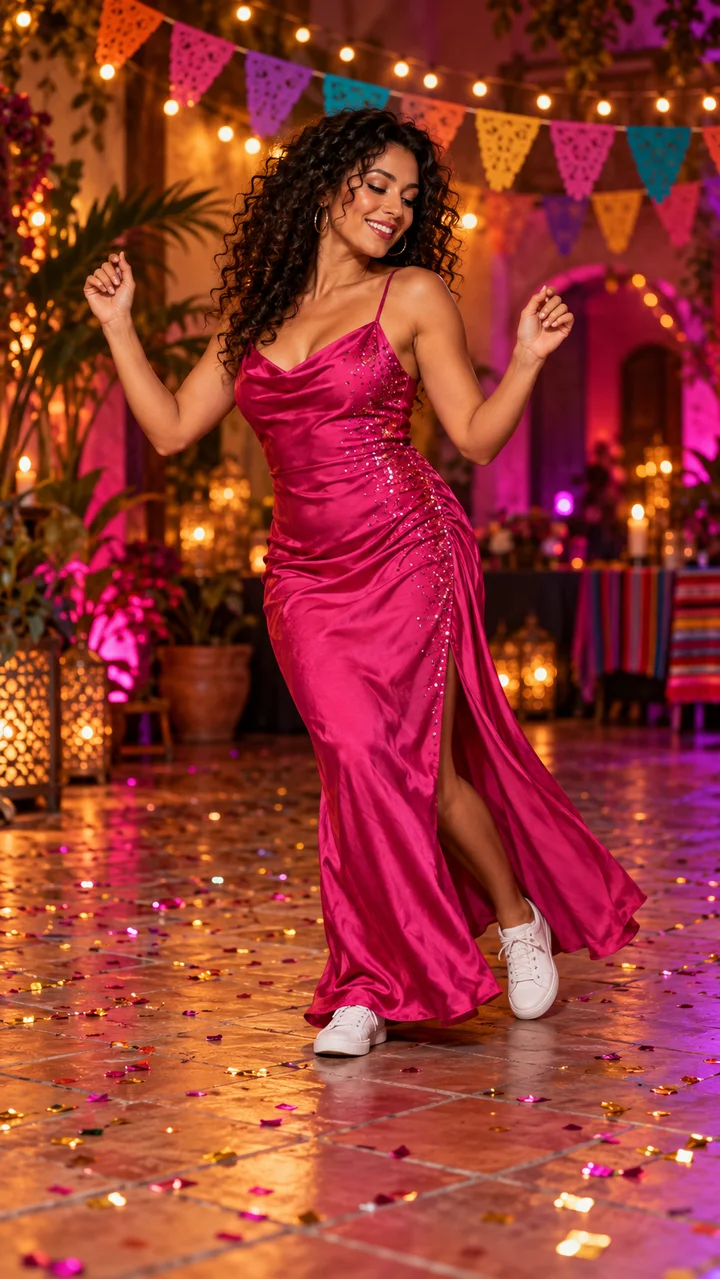
This older showcase was generated at 720p and trimmed from 10 seconds. New generations use 480p. The showcase and new generated downloads both receive the Classic BGM in post-production.
Is this the boy eating bread in the BbY WOW video?
“BbY WOW Guy AI” can refer to a specific bread-eating party clip as well as other Dime Dime Baby remixes. Our current Quince Classic reference follows a dancer in a cowboy hat approaching the camera, pausing close up, turning, and dancing away.
An exact bread bite or chewing sequence has not been validated for this template. Choose based on the example you can see, rather than assuming that every clip using the same song contains the same moves. The generated character is performing an AI recreation, not a recording of the person in your photo.
Make a complete 10-second party video
- Open the generator and select Quince Classic.
- Upload a clear photo of yourself or someone whose permission you have. Keep one obvious subject, an unobstructed face, and enough of the body visible for the movement.
- Choose 10 seconds for the reference-based party scene and approach-and-turn sequence. The five-second option uses your photo and a fixed prompt; it is a shorter dance interpretation.
- Sign in with Google or an email code. The $9.99 pack includes 15 credits, enough for one 10-second generation. Five seconds costs 10 credits.
- Confirm photo permission, generate, and download your vertical 480p, 9:16 MP4 from My creations.
For a reference shorter than ten seconds, the remaining movement is generated as a natural continuation of the same scene. It is not footage recovered from the original video. Hands, face details, timing, and background people can vary.
Preview and download with BGM
New generated downloads include the same Classic BGM as our showcase. After generation, we add a continuous segment from the start of the music and trim it to the video’s length. The preview starts muted; turn on the player’s sound to listen. Downloading keeps the soundtrack. If you replace the music in a social editor, mute the original audio first to avoid playing two tracks together. Earlier creations may remain silent.
AI generation or a CapCut template?
This tool generates new motion from a photo using a fixed dance template. A CapCut editing template arranges existing media into an edit. This site is not a CapCut template provider and does not require a CapCut account.
Compare all four templates, see credit packs, or read our photo tips. For help, contact support@dimedimebabyai.com.